1place for all your cards
Loading

Your digital wallet
Save, show and share your loyalty cards. Start on the web. iOS and Android apps coming soon.
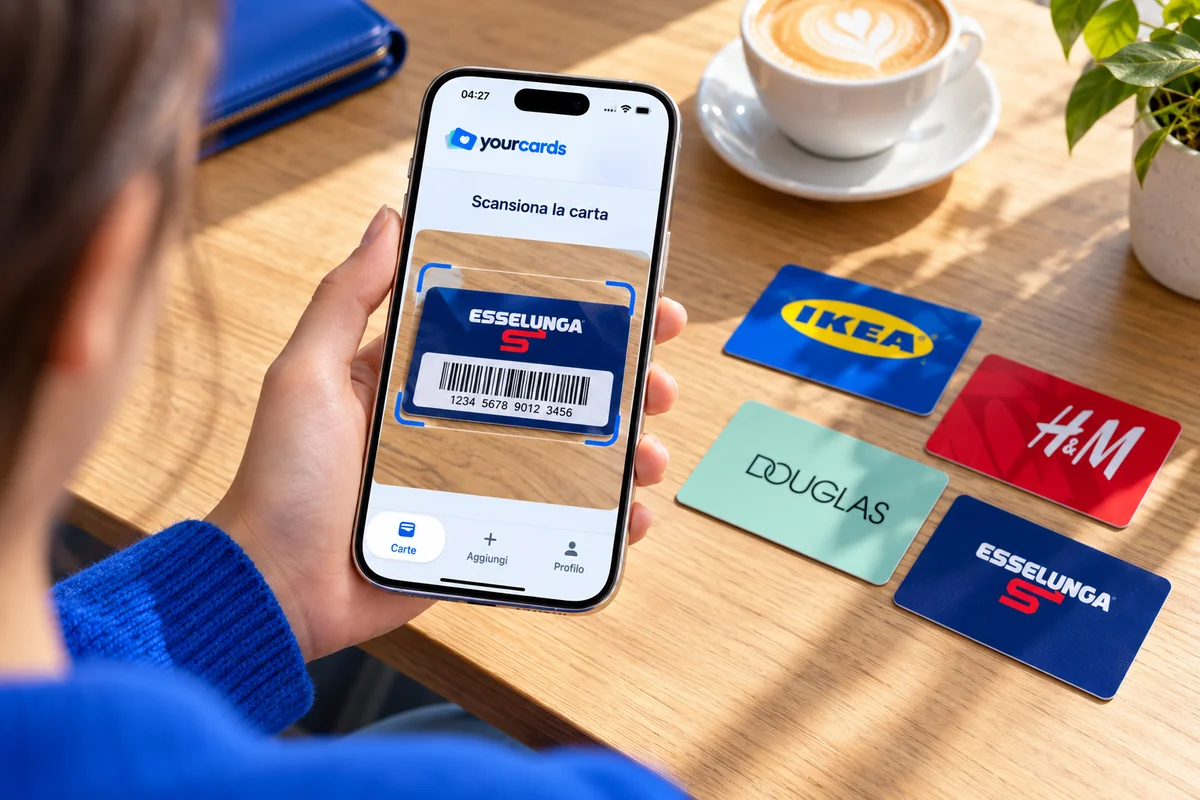
1place for all your cards
0codes to search for
∞space in your wallet
Choose Google, Apple or your email.
Find a store, scan the code or enter it manually.
Open the card at checkout. Or share it with another account.
From groceries to shopping: keep the cards you own together and find them before you walk into the store.




Find the brand in the catalog or add your card manually.
See how it works
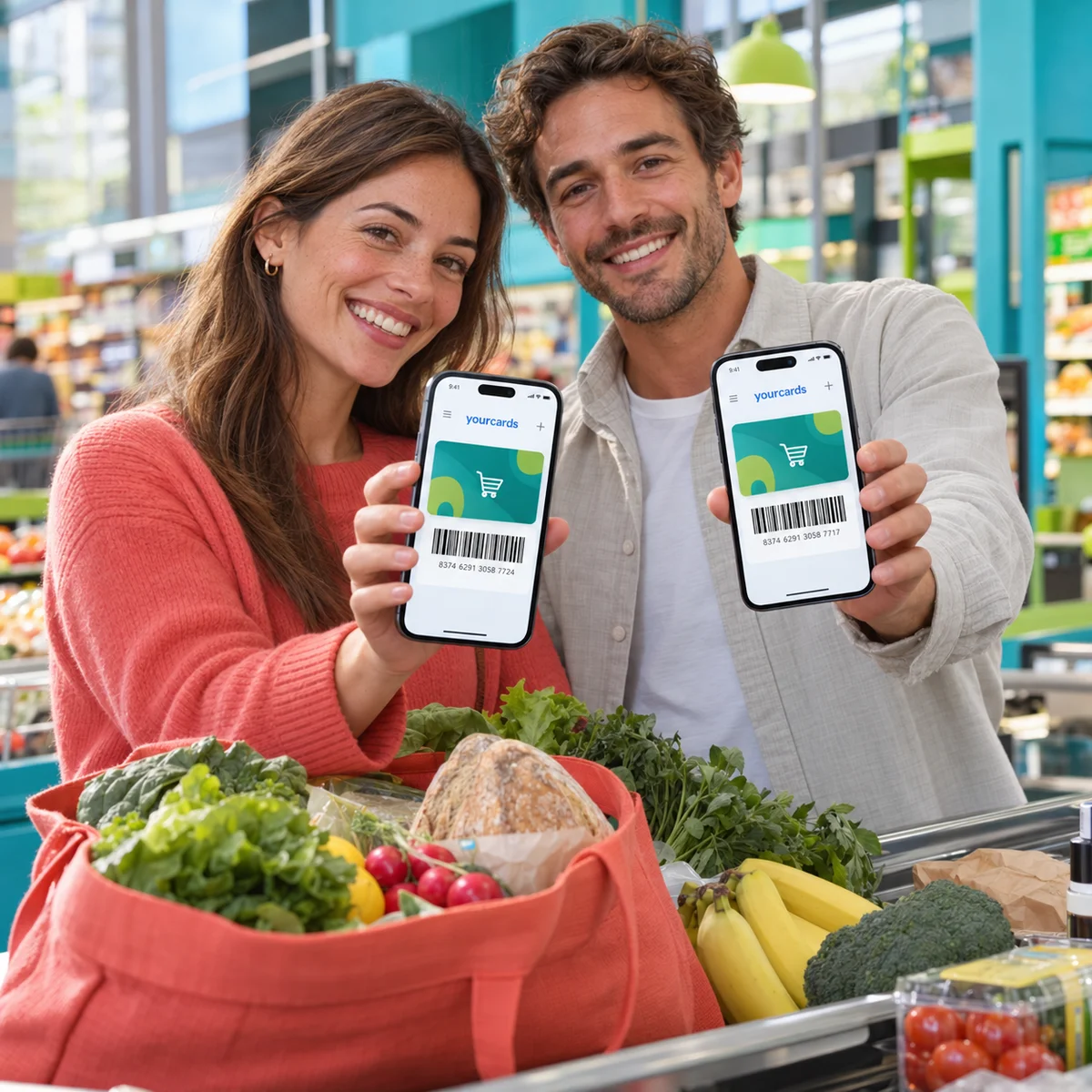
From family shopping to switching phones: keep your cards easy to find, use and take with you.
Get startedShare one or more cards with another account through an email invitation. The recipient adds them to their own wallet.
Card numbers, aliases and notes are shared. Photos stay in your account.
Get started
Use YourCards in your browser on phone, tablet and computer. iOS and Android apps are coming soon.
Web and appsIn the upcoming native apps, enable biometric protection on compatible devices and unlock your personal area with your face or fingerprint.
Export your collection as CSV from your profile. Keep a copy or import cards without adding them again one by one.
Register and sign in with Google, Apple or email. Find your wallet using the same account.
Choose which cards to share, keep a copy of your data and look forward to biometric protection in the upcoming apps. The settings are in your hands.
Read our privacy policyYes. You can create an account and save your loyalty cards at no cost.
Yes. Send an email invitation to another account. Recipients can register before accepting if needed. The invitation is valid for 7 days and shares a copy of the number, alias and notes, without photos.
Yes. You can register and sign in to YourCards with Google, Apple or email. Use the same account on your devices.
Biometric protection is a feature of the upcoming native iOS and Android apps on compatible devices. It is not available in the browser.
Yes. From your profile you can export your cards to CSV and import a collection from a compatible file.
Yes. Save a Fìdaty Card like other loyalty cards and show its code from your phone. YourCards is not an official app of the stores in its catalog.